



Have you ever wondered why the biggest fast-food chains in the world, such as McDonalds, KFC and Burger King have invested heavily in the integration of self-service kiosks in their Restaurants?
The answer is Customer Experience
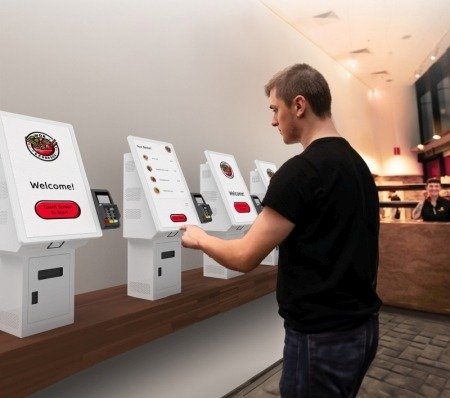
Customers frequently become frustrated by extended queues when ordering their fast food, leading to subpar customer experiences. Additionally, more reserved customers may hesitate to customize their orders when interacting directly with counter staff.
Lets Discuss the 4 Key Factors you should think about when setting up or purchasing a self service kiosk for your establishment
1. Hardware
The very first thing you should think about is the actual Machine, self-service kiosks will be on all day, so you need to be sure it’s prepared for two things:
Continuous Use
To ensure uninterrupted operation throughout the business day, it’s essential to verify that the self-service kiosks under consideration can maintain constant functionality. Many companies opt for Commercial Grade panels for their kiosks, enabling seamless 24/7 operation without encountering any glitches.
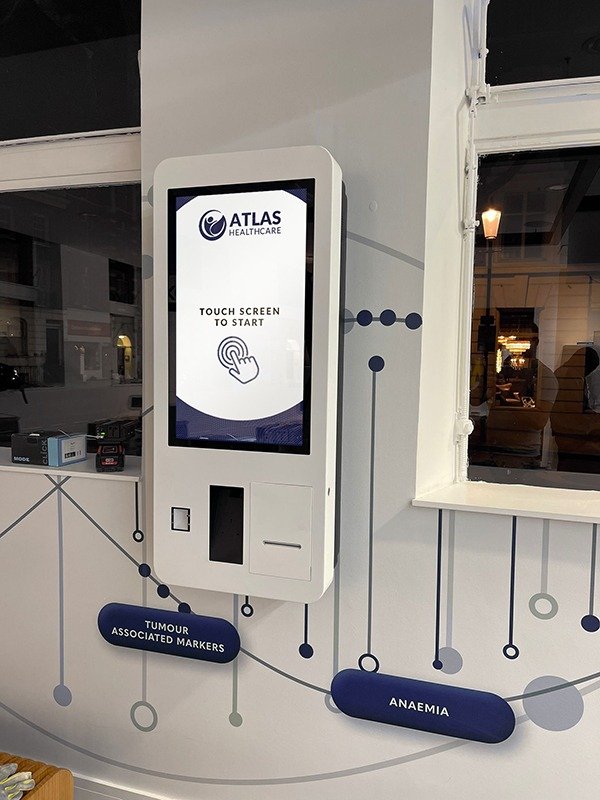
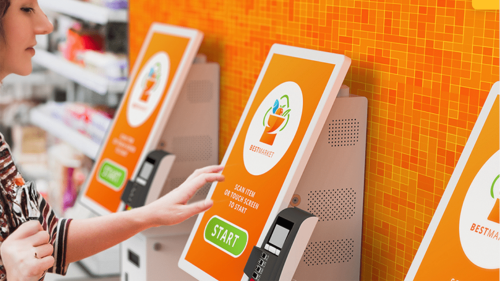
Cracks and Scratches
For optimal durability and longevity, selecting a self-service kiosk with a screen capable of enduring continuous customer interactions throughout the day is paramount. The most suitable choice for this requirement is a kiosk featuring a thermally toughened screen.
This type of screen is specially designed to prevent cracking or scratching, even with heavy use. Investing in a kiosk with a thermally toughened screen can ensure that it remains undamaged and reliable throughout its usage, providing a seamless experience for both customers and staff.
2. Location
The second thing you should think about when setting up a self-service kiosk is its positioning.
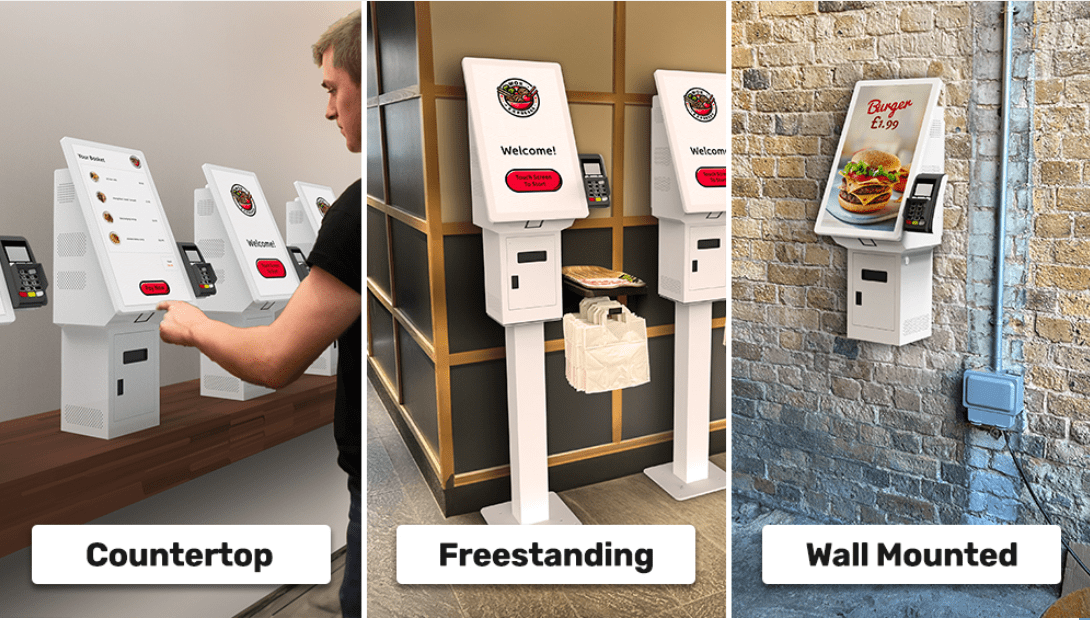
It’s essential to choose a location that is convenient for your customers and maximizes effectiveness. Whether wall-mounted, floor-mounted, or countertop-mounted, consider the size of your establishment and select a kiosk size that fits best.
3. Software
Without the software to run on the self-service kiosk you will not be able to take any orders.
When implementing the right software for your kiosk you should make sure it is, intuitive and connects seamlessly to your other order-taking devices in the restaurant, this is so that the entire process can run as smoothly as possible.
Chetu.com are a good option for kiosk software as they custom-build the software so that it can fit all your needs as a business.
You must not also forget that you need to train your staff on how to use this software so that they can further enhance customer experience and help a customer if they need help ordering

4. Maintenance and Support
Finally, do not forget about taking care of your self-service kiosk!
You should make sure you have warranty coverage, tech support ready to help, and regular software updates in place.
Having all these things sorted means your kiosk will keep running smoothly without any hiccups. Also, do not overlook staff training! Making sure your team knows how to use and troubleshoot the kiosk can prevent issues and keep things running smoothly.


